

GPT Image to Godot or Unity for 2D character sprites
Generate character sheets with the Image API, then import, slice, and animate them in Godot or Unity with pixel-correct settings.
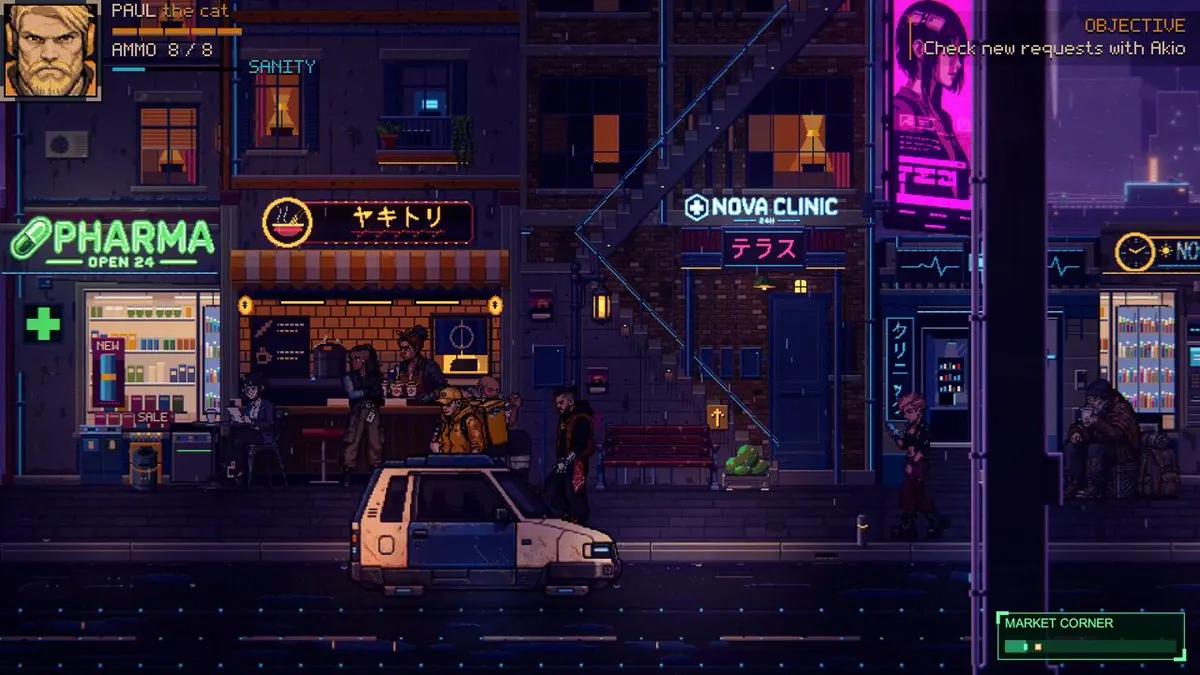
Generate a character sheet through the Image API
The Image API exposes two endpoints. Generations creates an image from a prompt, and Edits modifies an existing image with a new prompt. The Responses API adds multi-turn editing and accepts image File IDs as inputs.[11]
Set the model to gpt-image-2.5-sunburst when editing precision matters, or gpt-image-2.5-flare for fast everyday generation. The complexity field accepts low, medium, and high; omitting it uses high, and quality is a separate setting. The n parameter returns several images in one request.[11]
GPT-Image-2.6 includes Sunburst and Flare, and both support complexity control, markup-guided edits, SVG output, and animated GIF output through the Image API.[11]
Import the sheet into Godot
Godot imports PNG, WebP, and SVG files, along with TGA, BMP, DDS, KTX, EXR, and HDR. The default import type is a 2D texture. The docs recommend lossless compression for pixel art and note that 3D detection can switch a texture to mipmaps and VRAM compression when it is used in a 3D scene.[12]
LosslessAnimatedSprite2D stores frames in a SpriteFrames resource and can import image files or a folder of files as animation frames. The docs warn that centering can deform pixel art when the texture position falls between pixels; set centering to false or enable the 2D snap project settings.[13]
SpriteFramesSince Godot 4.0, texture filter and repeat modes are set on CanvasItem properties in 2D, with a project setting as the default. Custom shaders set filter and repeat on the sampler2D uniform.[12]
Slice and filter sprites in Unity
Unity's sprite texture settings format an image for 2D use. A sheet with several poses needs the multiple sprite mode, and the filter mode list includes a point option that keeps pixels blocky up close. Pixels Per Unit sets how many pixels correspond to one world unit, and Alpha is Transparency dilates color channels to reduce edge artifacts.[14]
Point (no filter)Open the sprite editor from the texture inspector and use the slice dropdown. Automatic slicing uses transparency, Grid By Cell Size and Grid By Cell Count handle regular sheets, and Isometric Grid handles diamond-shaped sprites. Select Apply to save the sprites.[15]
Sprite EditorMesh Type Tight builds a mesh from the alpha outline. Any sprite smaller than 32 × 32 pixels automatically uses Full Rect even when Tight is selected. Read/Write allows script access to texture data and doubles the memory required for the texture.[14]
Workflows and a rendering tip from developers
A technical breakdown of an AI-to-Sprite workflow comes from X user @kenjiDev9662, who included the English prompts used with Gemini and described how animation consistency was handled.[1]
X user @puglet_dev shared steps for turning a code-only town into an HD-2D-style castle town, using Claude Code plus an image generation AI (Codex) in Godot 4.[2]
For 2D action animation, X user @PuddingAthlete describes three setbacks before settling on a method that generates short AI videos and converts them into sprites with Python in Unity.[4]
Pixel rendering advice from X user @asynkimo focuses on texture filtering. The author attributes some bad-looking Claude-made pixel art to incorrect pixel rendering and recommends Texture filter Nearest everywhere, a practice the author says applies in Unity, Godot, Phaser, or a custom engine.[5]
NearestPitfalls that break a sheet
Asset replacement became the next block for X user @LaireLaFlare, who had foundational mechanics built with Codex and a Godot MCP server. The author still needed to replace ugly assets and get real animation going, and purchased Aseprite.[3]
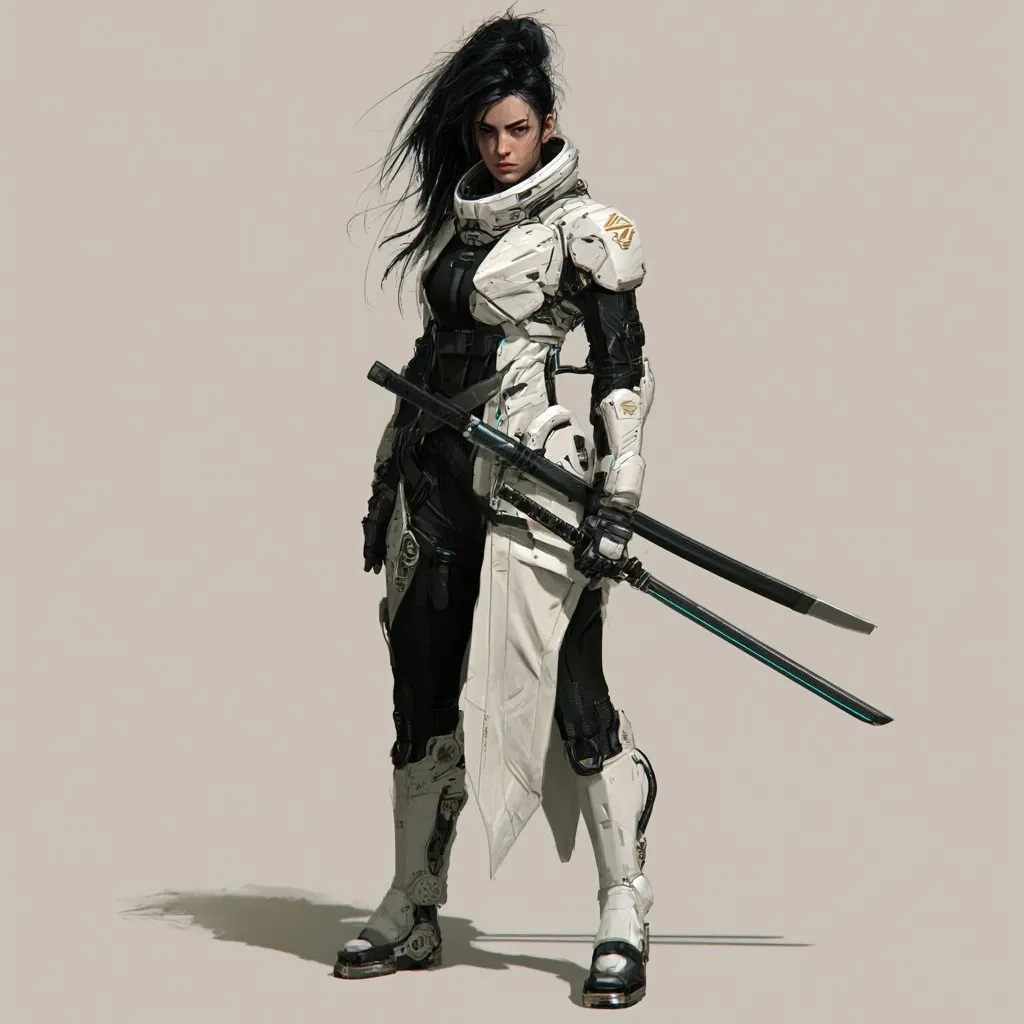
Grid alignment is the complaint X user @MarkRoie80403 raises about ordinary AI pixel generators. The author says single images looked impressive but could not align to a 32×32 grid, and describes Sprite Fusion as outputting at 16×16, 32×32, and 64×64 standard sizes.[7]
Scale mismatches show up in the example from X user @Jomolos, where a 32×32 character sits beside a 64×64 sword. The author says the two look like they came from different games and that this is where AI pixel art work gets difficult.[8]
A model comparison from X user @RisingSunInt_ used the same starting frame, ending frame, and prompt for an animation sprite sheet in Broken Strings. The author says Gemini Flash nailed the prompt to climb an invisible wall, while Grok 4.6 completely messed it up.[6]
Results from finished games
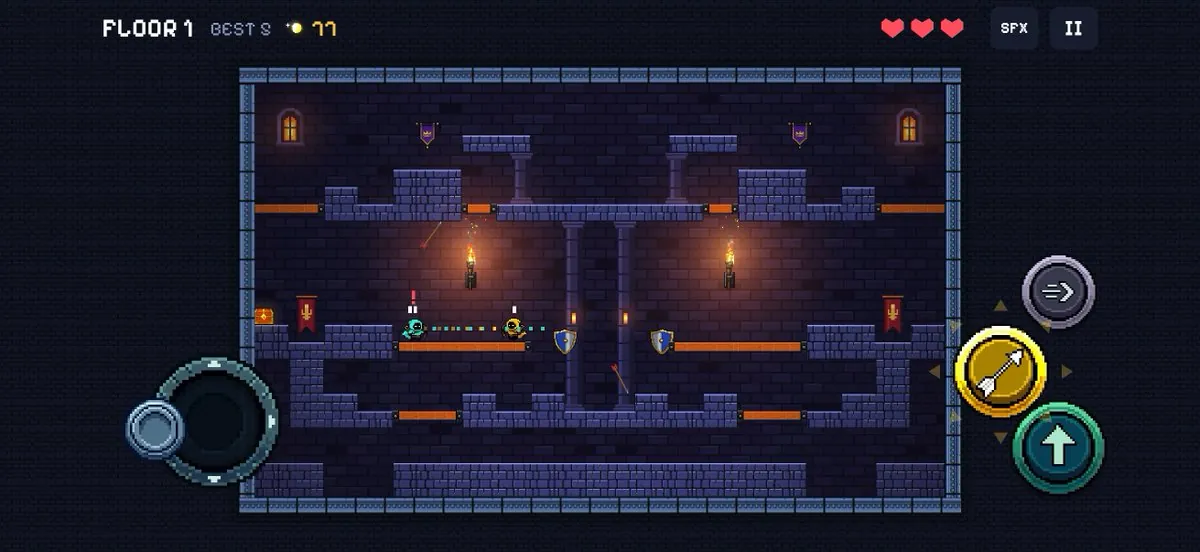
Quiver Spire came from X user @froessell, who asked Fable 5.2 for a Towerfall clone, spent a few hours polishing it, and ported it from Three.js to Godot. The author describes the result as a 2D pixel battle arena against bots, with pixel art made in Sprite Fusion and a concept image made in ChatGPT.[9]
Frostbite is the result X user @hyphenholdings describes, a browser-playable top-down game where a masked mage fights waves of slimes. The author says Claude Opus 5.5 wrote the game in Godot, GPT Image 2.6 drew every sprite from one style sheet, and Voidless handled rotations.[10]
Developers' methods are paraphrased from their public posts on X and credited to each author; setup steps follow the official documentation. Indexed 2026-11-14. Interfaces may have changed since; the official documentation takes precedence.
Sources
- @kenjiDev9662 · 2026-03-15Xindexed 2026-11-14
- @puglet_dev · 2026-11-06Xindexed 2026-11-14
- @LaireLaFlare · 2026-09-02Xindexed 2026-11-14
- @PuddingAthlete · 2026-11-01Xindexed 2026-11-14
- @asynkimo · 2026-11-02Xindexed 2026-11-14
- @RisingSunInt_ · 2026-08-22Xindexed 2026-11-14
- @MarkRoie80403 · 2026-11-07Xindexed 2026-11-14
- @Jomolos · 2026-11-08Xindexed 2026-11-14
- @froessell · 2026-11-10Xindexed 2026-11-14
- @hyphenholdings · 2026-11-10Xindexed 2026-11-14
- developers.openai.com/api/docs/guides/image-generationindexed 2026-11-14
- docs.godotengine.org/en/stable/tutorials/assets_pipeline/importing_images.htmlindexed 2026-11-14
- docs.godotengine.org/en/stable/classes/class_animatedsprite2d.htmlindexed 2026-11-14
- docs.unity3d.com/Manual/texture-type-sprite.htmlindexed 2026-11-14
- docs.unity3d.com/Manual/sprite/sprite-editor/use-editor.htmlindexed 2026-11-14