

Guides
Prototype a Game in Claude Code Before Writing Design Docs
Set up project memory, skills, and subagents in Claude Code to build a playable game prototype from a one-page brief before committing to heavy planning documents.
Hands-on guides to making games with AI: the official steps, plus what developers have shared on X about their workflows and the problems they ran into.
Set up project memory, skills, and subagents in Claude Code to build a playable game prototype from a one-page brief before committing to heavy planning documents.
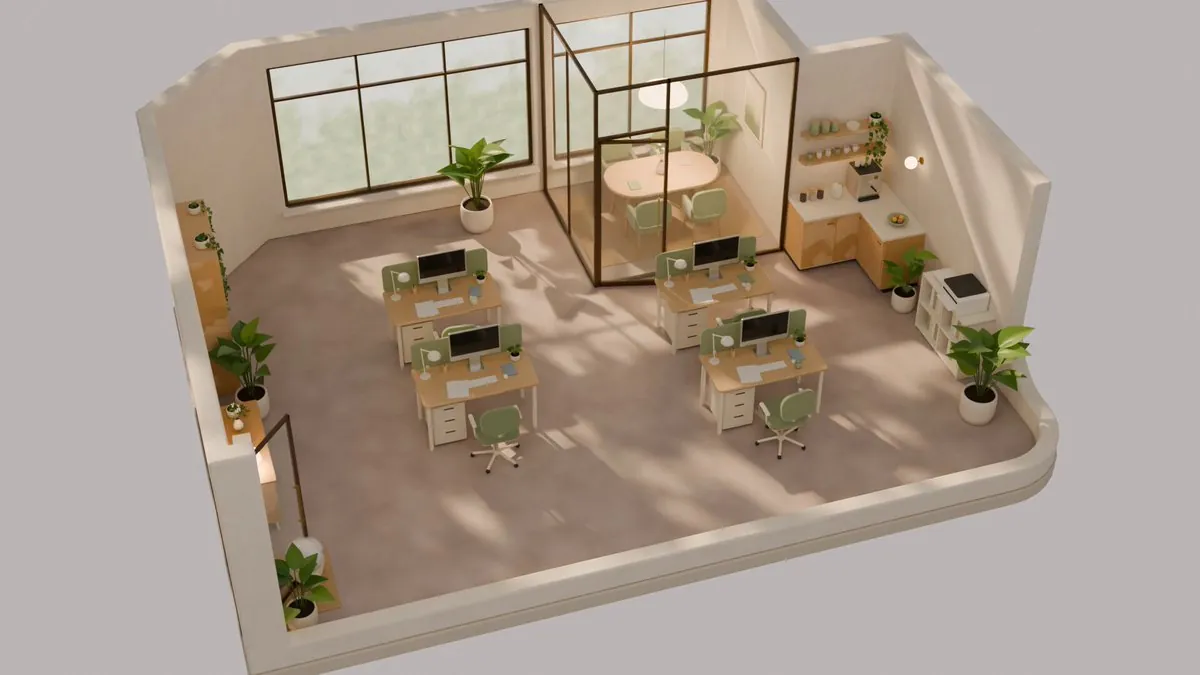
Set up a 3D asset pipeline that connects Codex and Blender in headless or MCP mode to generate, check, and import models into a Unity Universal Render Pipeline project.
Image: @aburacadabra_ (X)
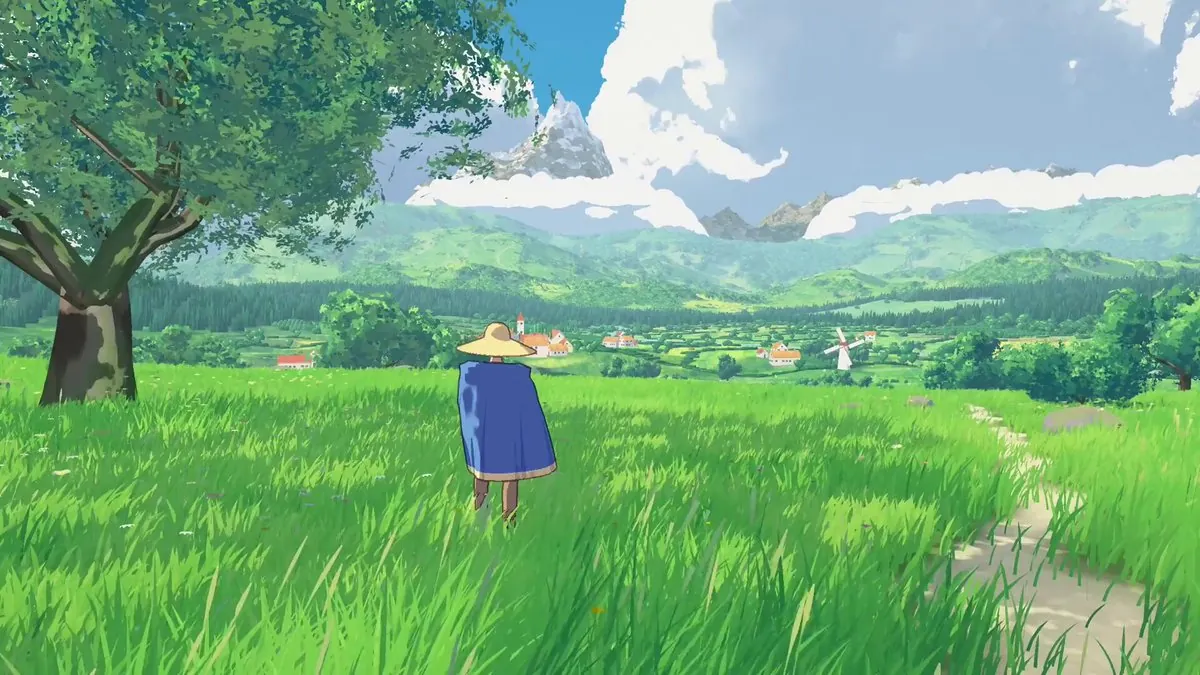
Set up Claude Code, turn a small idea into a browser-game brief, and work toward a playable HTML file you can publish.
Image: @rewind02 (X)
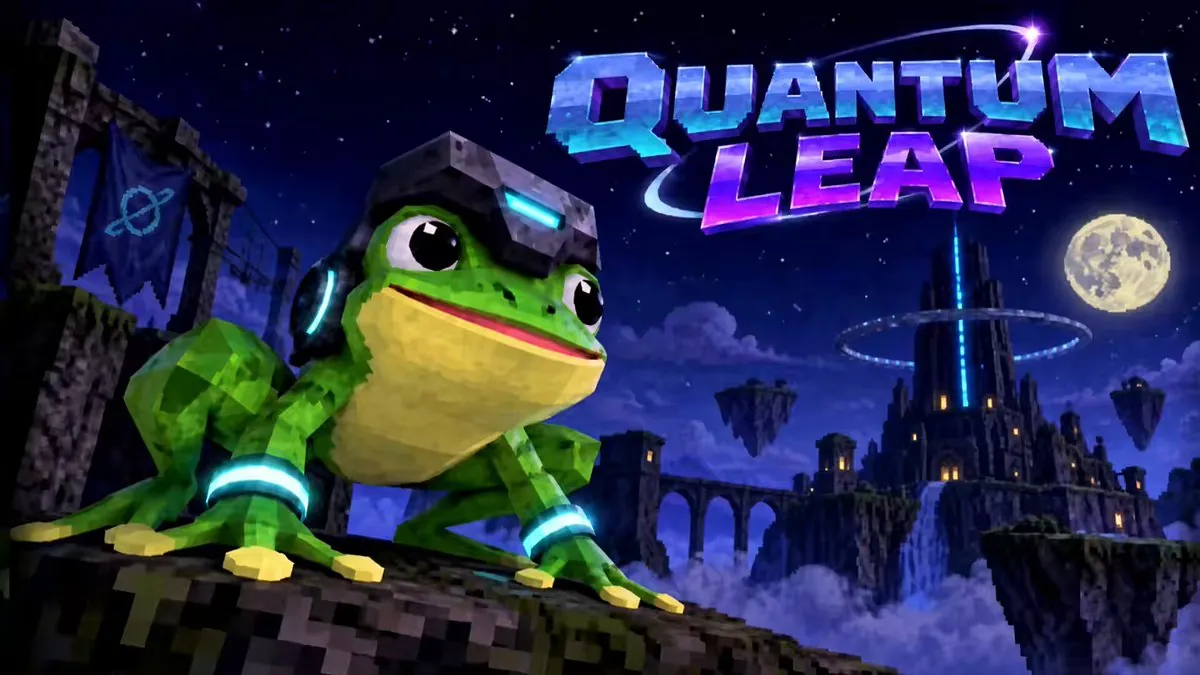
Set up one project folder that Godot and Claude Code both work in, add features a pass at a time, and export a build you can play. The guide names the points where the work tends to stall and closes with small games that shipped this way.
Image: @VistaLargaGames (X)
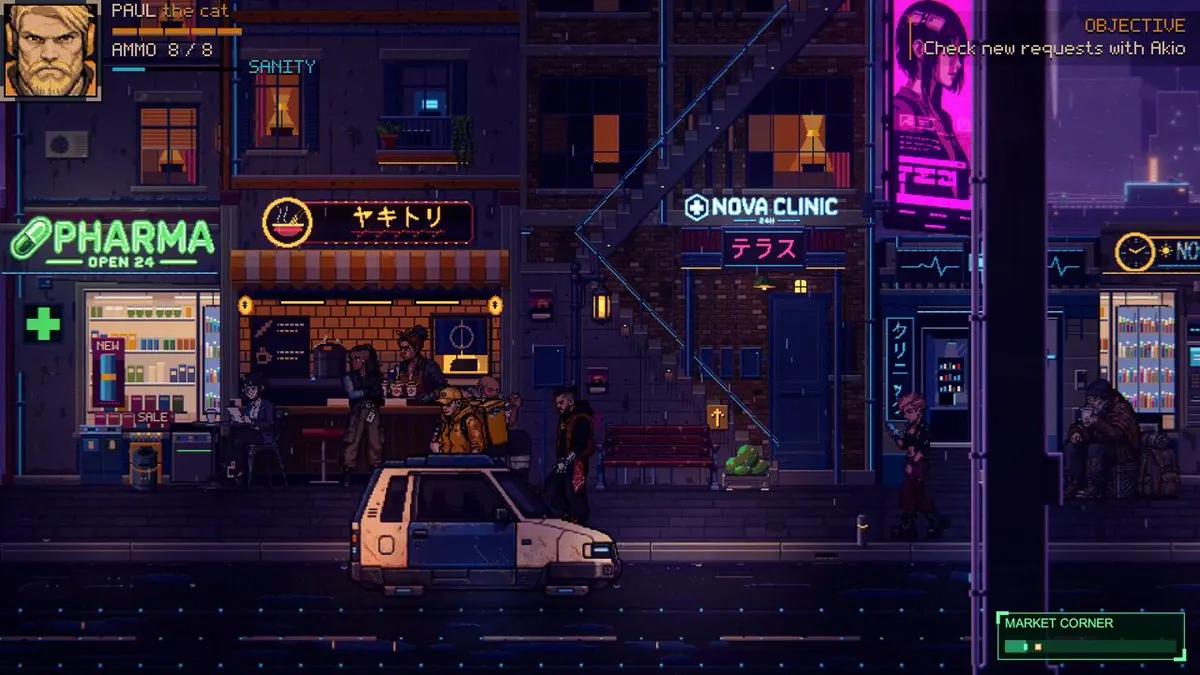
Generate character sheets with the Image API, then import, slice, and animate them in Godot or Unity with pixel-correct settings.
Image: @hakimieiqbal (X)
Generate sound effects from text prompts and cut loops from generated music. Then import, loop and vary both in Godot with documented settings.

Get a Three.js project running from the official manual, then pick up the iteration habits, asset routes and known snags that show up when developers build browser games.
Image: @isagi1000x (X)
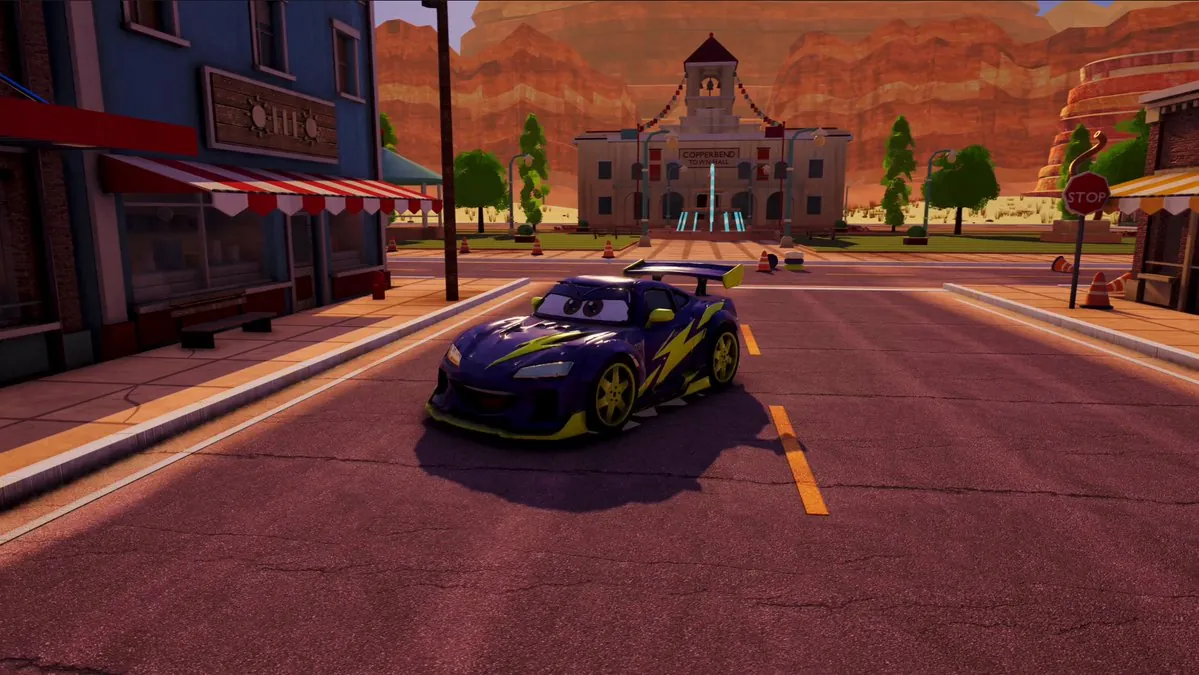
Generate props from concept images, clean the meshes in Blender, and bring GLB files into Godot with import settings that keep the scene light. The guide also covers where UVs, materials and polygon budgets break in practice.
Image: @0xKense1 (X)