

Model a Unity Game with Codex and Headless Blender
Set up a 3D asset pipeline that connects Codex and Blender in headless or MCP mode to generate, check, and import models into a Unity Universal Render Pipeline project.
Setting Up Unity, Codex, and Model Imports
According to the Unity Manual, you must choose a render pipeline before starting development because Universal Render Pipeline (URP) projects are not compatible with the High Definition Render Pipeline (HDRP) or the Built-in Render Pipeline. In the Unity Hub, open the Projects tab, select New project, choose a template such as Universal 3D, fill in the Project settings fields, and click Create project so Unity installs and configures URP automatically.[17]
Universal 3DTo connect coding agents to external tools, OpenAI's documentation explains that the Model Context Protocol (MCP) allows ChatGPT and Codex to access tools and data from other systems across web, desktop, CLI, and IDE environments, or through plugins that package an MCP connection with reusable skills. You can also skip an interactive session and run Blender directly from the command line. X user @nullchimp notes that Blender runs in headless mode, allowing Codex to execute a background command with a Python script to export a 3D model without opening the Blender user interface.[4, 18]
blender --background --python make_model.pyOnce Blender exports a model, Unity's documentation states that Unity primarily supports the FBX format. Although Unity can read native .blend files by calling Blender's FBX export plug-in when Blender is installed on the same machine, the documentation recommends exporting directly as FBX into your Assets folder. Selecting the imported file in the Project window opens its Import Settings in the Inspector, where you can configure bone structures under the Rig tab, extract clips under the Animation tab, and set how materials import using the Material Creation Mode drop-down menu under the Materials tab. To place the asset in your level, drag the model file into the Scene view to instantiate a GameObject prefab.[19]
Material Creation ModeHeadless Scripting and Live MCP Workflows
Developers take two main approaches when driving Blender with coding agents. X user @die54minute says that every 3D model in the author's new game was created by coding agents writing Blender Python scripts and running Blender in headless mode without Blender MCP, which the author found much easier. X user @OlocoDisabled reports a similar experience after finding MCP quality lower and limited to creating one object at a time in a previous project, stating that headless mode produced good quality, generated multiple objects at once, and completed the work without opening the program window.[2, 3]
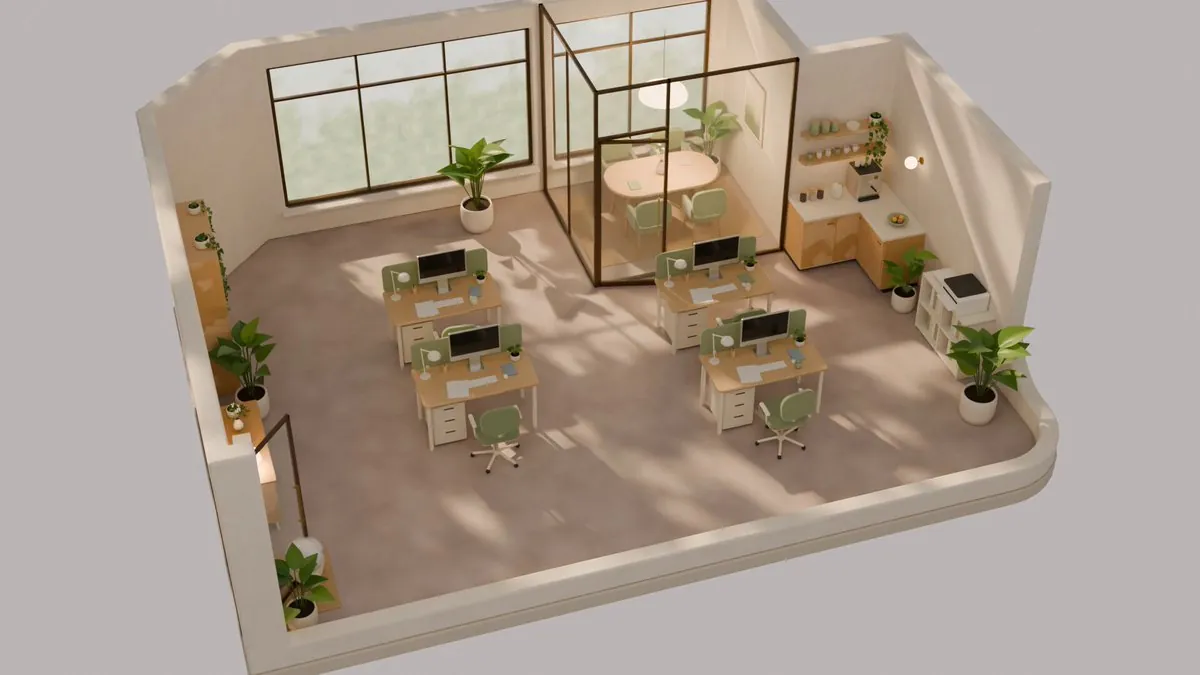
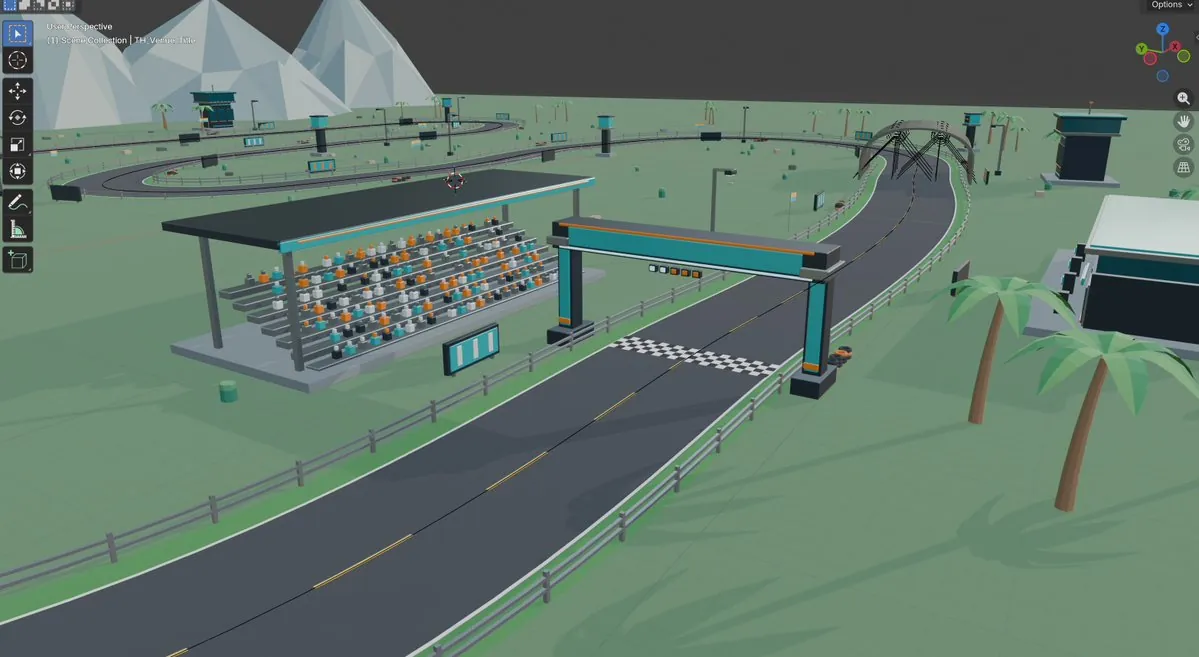
Other developers combine reference images with MCP or scripted runs to build specific assets. X user @PenguinWeb3 shares a workflow for creating a post-apocalyptic 3D character by generating front, side, and back character reference views in ChatGPT, connecting Codex to Blender via MCP, and prompting the build from those views. For an environment workflow, X user @aburacadabra_ reports creating a 3D office scene without placing a single polygon by hand, using Codex image generation (gpt-image) for reference art, running bpy scripts written by Claude Code to model and animate the objects in one pass, and rendering the result in Blender 5.3 Cycles. Meanwhile, X user @kayf2010 says the author uses Codex, Unity, and Blender MCP together to build a 3D kart racing game, covering karts, characters, a procedural racetrack, pit garages, and track props.[1, 12, 13]
Prompting Specs, Scene Inspection, and Validation Gates
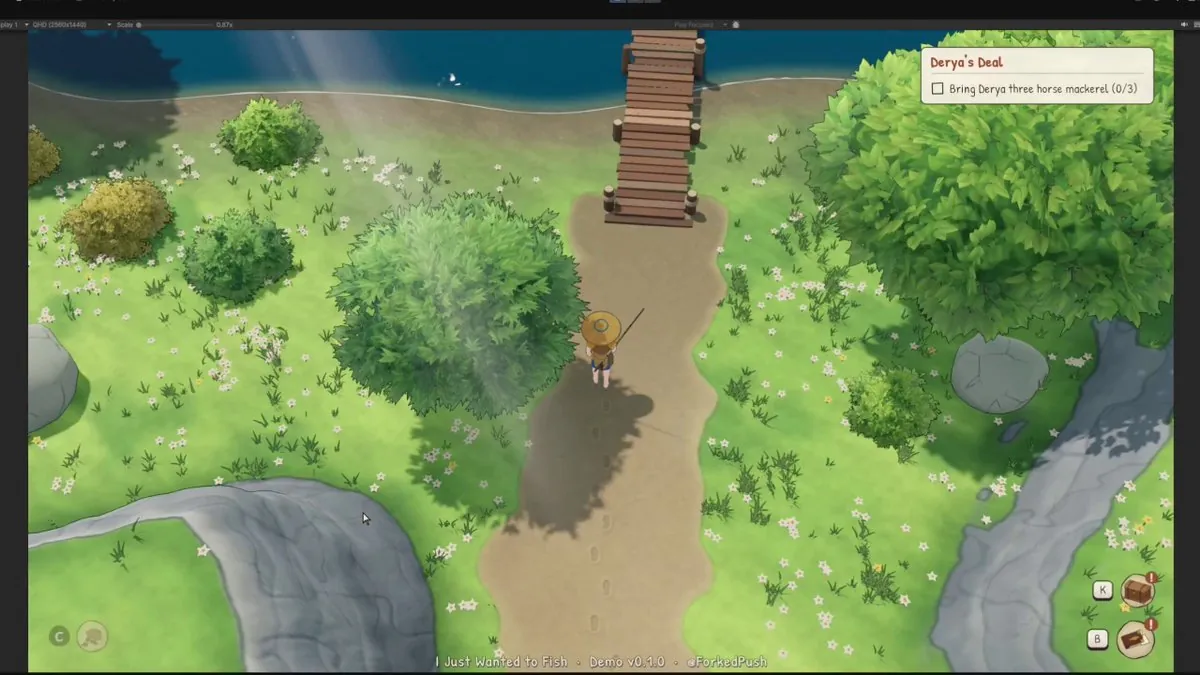
Breaking requests into small, measurable tasks helps agents produce usable game assets. X user @sorenxet shares a workflow for building a cozy fishing RPG with Claude Opus 5.5, Tripo, Blender, and Unity 6, advising developers never to ask for an entire fishing game at once and to request one piece at a time, such as a shoreline, a wooden pier, or a fisher in a straw hat. At the individual asset level, X user @0xCortexq outlines a step-by-step process credited to lummox where Claude Code makes decisions, Blender executes, the developer reviews, and the game engine receives a clean .glb file. The author recommends inspecting the scene first, writing a brief in meters with a strict polygon budget (such as a 1.0 by 0.8 by 0.9 meter crate with a maximum of 800 triangles), and generating a blockout before refining the mesh.[7, 16]
Automated inspection can also verify the live scene and rigged outputs before they reach Unity. X user @QibazX points out that Blender MCP connects Claude Opus 5 to the live scene file, enabling the agent to read the outliner, walk modifier stacks, and run bpy scripts against the actual file. Taking verification further, X user @luccacerf built an open-source character pipeline using 7 skills that routes assets from Claude to Tripo, into Blender via MCP, and through 3 critic agents before importing into Unity. The author states that every rigged and animated character must pass numeric gates where a planted foot moves no more than 0.1 cm per frame, animation loops close within 2 mm, and no geometry passes beneath the floor.[5, 8]
Common Pitfalls in Blender Exports and Unity Scenes
Scripts that run without syntax errors in Blender can still produce broken assets inside Unity. X user @Curingieul notes that while Claude Code can usually write a bpy script that executes cleanly, importing the resulting model into Unity often reveals flipped normals, unbaked textures, and messy bone weights that require manual cleanup. The author points to blender-skills, which breaks professional Blender workflows into 28 Agent Skills covering modeling, UV unwrapping, and PBR texturing to address these gaps. On the Unity side, the Unity Manual notes that if a character with a normal map baked from a high-polygon model shows lighting seams from tangent splitting, you should import the model with Smoothing Angle set to 180° or choose Calculate Legacy With Split Tangents from the Tangents drop-down menu.[6, 19]
Calculate Legacy With Split TangentsCoding agents also face limits with organic sculpting, Unity scene serialization, and rendering performance. In Blender, X user @explosss1ve reports that while an agent working through MCP can write bpy code, block out a base mesh, set up the camera, render frames, and inspect its own output to scaffold a creature, it still cannot sculpt detailed anatomy like a spine. Inside Unity, X user @Stacki91 warns that when using Codex to modify scenes and prefabs, broken references are much harder to catch than standard compiler errors, making it important to check whether the agent edits scene files directly or uses editor scripts. For graphics code, X user @SebAaltonen shares that when Codex ported an old render pipeline to a new codebase, it introduced performance regressions by expanding a compact 28-byte vertex format to a 56-byte full fp32 format, using full fp32 shader ALU without double-rate fp16, and dropping packed fp16 varyings.[9, 10, 11]
Examples of Generated Models and Rigs
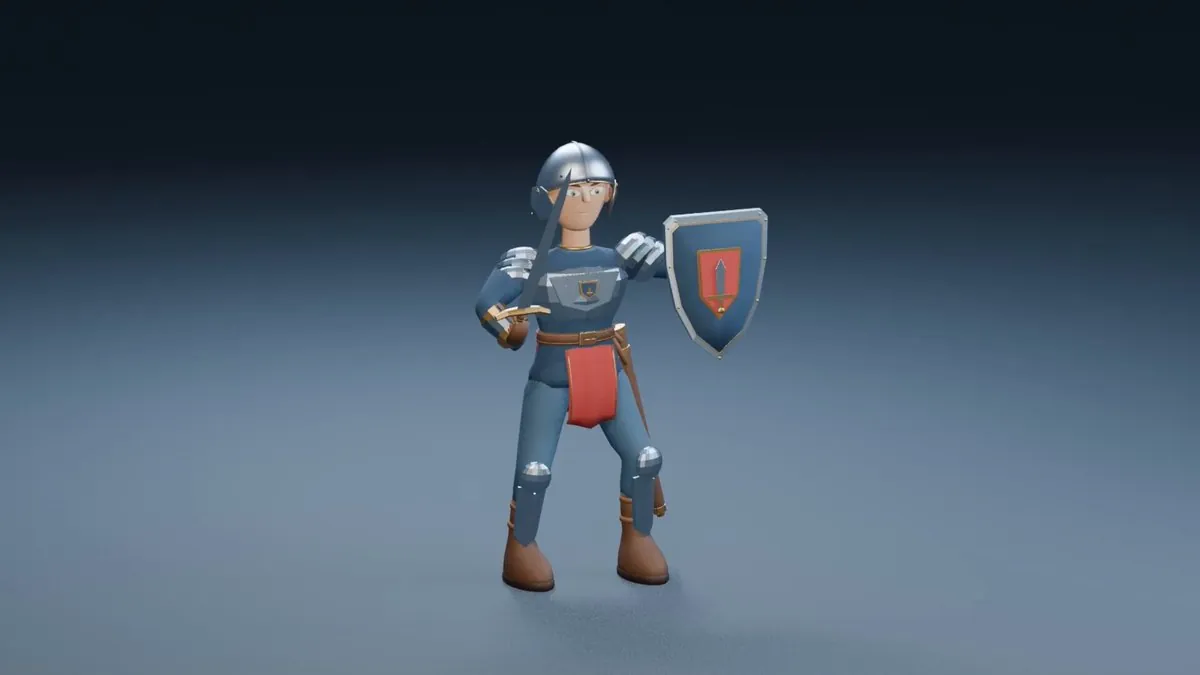
Developers have used both MCP and headless bpy scripts to produce animated characters and complex skeletal rigs. X user @miya00907380 reports using Codex and Blender MCP to model and animate a 3D swordsman who swings a sword downward, places the sword and shield on the ground, and removes a helmet with both hands. Using headless Blender (bpy), X user @thebuggeddev says that Google's Gemini 4 Carbon rigged a 33K-triangle stone giant model with 66 bones, generated combat animations on its own, and wrote a 2-bone Foot IK system.[14, 15]
Developers' methods are paraphrased from their public posts on X and credited to each author; setup steps follow the official documentation. Indexed 2026-11-16. Interfaces may have changed since; the official documentation takes precedence.
Sources
- @kayf2010 · 2026-11-16Xindexed 2026-11-16
- @die54minute · 2026-11-16Xindexed 2026-11-16
- @OlocoDisabled · 2026-11-16Xindexed 2026-11-16
- @nullchimp · 2026-11-13Xindexed 2026-11-16
- @luccacerf · 2026-11-15Xindexed 2026-11-16
- @Curingieul · 2026-11-15Xindexed 2026-11-16
- @0xCortexq · 2026-11-14Xindexed 2026-11-16
- @QibazX · 2026-08-04Xindexed 2026-11-16
- @explosss1ve · 2026-07-19Xindexed 2026-11-16
- @SebAaltonen · 2026-03-17Xindexed 2026-11-16
- @Stacki91 · 2026-11-09Xindexed 2026-11-16
- @aburacadabra_ · 2026-11-14Xindexed 2026-11-16
- @PenguinWeb3 · 2026-11-06Xindexed 2026-11-16
- @miya00907380 · 2026-11-08Xindexed 2026-11-16
- @thebuggeddev · 2026-11-14Xindexed 2026-11-16
- @sorenxet · 2026-11-14Xindexed 2026-11-16
- docs.unity3d.com/6000.2/Documentation/Manual/urp/creating-a-new-project-with-urp.htmlindexed 2026-11-16
- developers.openai.com/codex/mcpindexed 2026-11-16
- docs.unity3d.com/6000.4/Documentation/Manual/ImportingModelFiles.htmlindexed 2026-11-16