

3D props with Meshy and Tripo into Godot
Generate props from concept images, clean the meshes in Blender, and bring GLB files into Godot with import settings that keep the scene light. The guide also covers where UVs, materials and polygon budgets break in practice.
Setup for image to GLB in Godot
Meshy's Image to 3D documentation describes turning concept art, a photo or a sketch into a 3D model that follows a visual reference, and the docs say an image gives the model a clear target, so results match the design more closely than a text prompt does. The same docs describe the web app, the REST API, plugins and 3D printing paths, all using the same generation models and Meshy account.[17, 18]
At the top of the panel, click the Image to 3D tab.Export formats include GLB with embedded textures, FBX with separate files, OBJ with MTL and textures, and BLEND, per Meshy's docs. Godot's available formats page recommends glTF 2.0 and supports both .glb and .gltf, so a GLB carries the mesh and its textures into the project as one file.[18, 19]
Godot imports .blend files by calling Blender's glTF export behind the scenes, which needs Blender 3.0 or later and an official Blender build from blender.org. When Blender sits outside its default location, the docs give an editor setting for the executable path.[19]
Filesystem > Import > Blender > Blender PathThe Image to 3D panel offers High Detail for maximum surface detail or Smart Topology for a game-ready mesh, and it shows only the options the selected model supports. Under Smart Topology, Meshy T2 accepts a target poly count from 100 to 15,000 polygons, and the docs state that Split and Texture cannot both be turned on.[17]
Concept images and prompts that work
In a post about their Godot project, @imcodingthings lists a Godot client, Nakama for multiplayer and backend, Tripo for models generated from a concept image, Blender through MCP for cleanup and weapons, and Grok AI for item and skill icons. The author says assets that used to take days now take minutes.[16]
@de1lymoon shares a prompt recipe that asks for an original stylized character with a readable face, two or more clothing layers, accessories, a full body in A-pose with arms away from the body and empty hands, followed by a Tripo text-to-3D prompt capped at 400 characters and a headless Blender Python script.[15]
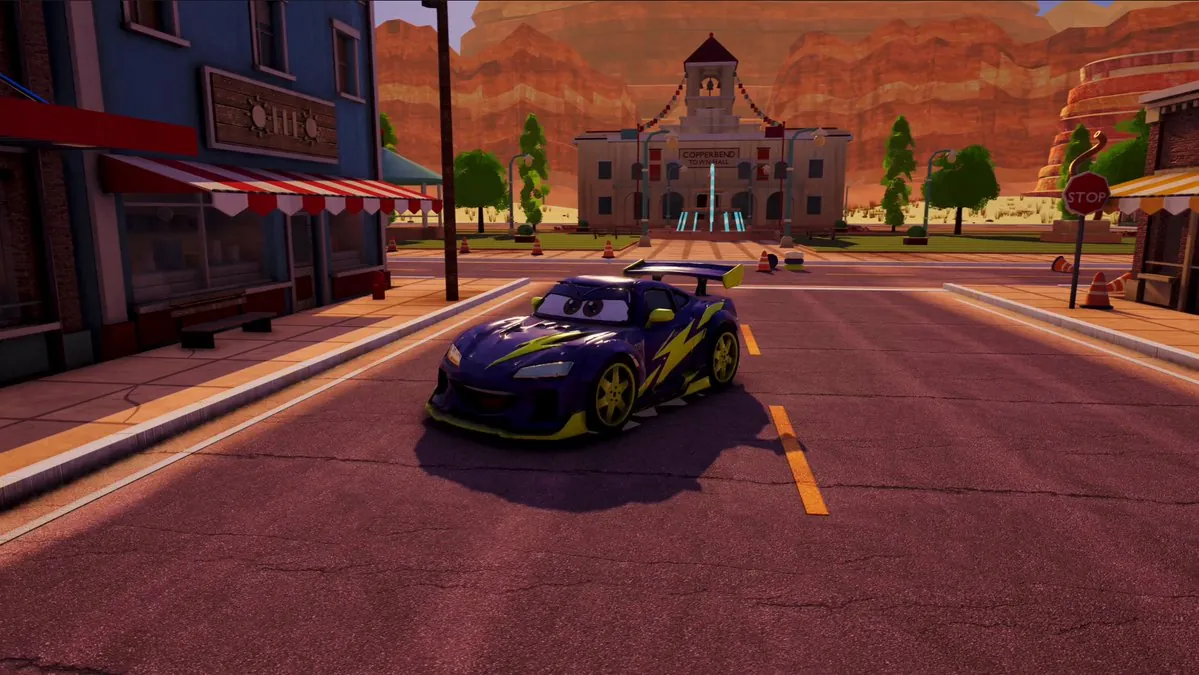
For a car model, @0xKense1 used front, side and back drawings as Tripo input, then Blender edits that added eyes in the windshield following the camera and a mouth carved into the bumper, inside a racing game the author says took under 10 hours to build.[12]
A single image carries no information about the back of an object, and Meshy's docs describe adding up to three extra angles such as side, back and three-quarter views to make the back and sides more accurate. The same docs warn that a photo of several objects in a cluttered scene merges into one distorted mesh, and cropping to a single object or removing the background fixes it.[17]
Blender cleanup before import
@VOLGARR reports that Tripo often messed up textures and UVs and sometimes struggled with details that required mesh fixes in Blender, with texture cleanup or repaint nearly every time. The author says the tool still saved time over building from scratch and moving back and forth between tools.[4]
The same bottleneck shows up for @ZerriusVale, who says Tripo produces a mesh fast while the real time goes into cleaning geometry and textures in Blender before the asset reaches Godot.[5]
For @Neon_Pajamas, the Blender step works the same whatever engine the asset ends up in. The author reports 1,018,972 triangles reduced to 5,000 with UVs intact, 20 to 40 seconds per model across 35 models, and no manual retopo.[8]
@SebAaltonen posted Tripo Smart Mesh output generated from top, front, back and left views, noting clear flaws and a UV chart the author calls horrible, while the overall shape came out better than an agent building the mesh by operating Blender through an MCP connection.[14]
Pitfalls around UVs, materials and rigging
@Seyren calls triplanar projection on moving props the costly fallback when generated meshes lack proper UVs, since each texture is sampled three times and using it on everything can make the game run badly.[7]
After starting an interactive project with a pure 3D plan and hitting repeated problems, @leaf_sanren concluded that current AI 3D can make detailed characters cheaply while it cannot make 3D characters truly move.[10]
@CultusPater runs an agentic stack on a Godot game, says setting up the environment and basic game spec is simple and saves time, and adds that a lot of manual work remains, mentioning that Grok Bot takes Meshy animated models and ports them onward.[9]
Godot's import docs note that Blender exports materials with backface culling disabled, so imported materials arrive with cull mode Disabled and backfaces keep rendering, which costs performance. Enabling backface culling in Blender's Materials tab and exporting again removes that cost.[19]
Backface CullingThe same page warns that a model containing blend shapes needs the deformation bones only export option enabled, because exporting non-deforming bones anyway leads to incorrect shading.[19]
Data > Armature > Export Deformation Bones OnlyFaces, LODs and file size
@M__Houser reports a game at roughly 490 MB, 440 MB zipped, with Tripo meshes generated at 6,000 to 30,000 faces, two lower-detail LODs on every large model, and full detail loaded only for nearby models while the rest stream in with proximity. The author notes that the animations required extra work.[6]
Poly counts in Meshy's docs run from 100 to 15,000 polygons for Smart Topology on Meshy T2, and the model table lists Meshy T2.5 for game assets up to 30,000 faces. The docs tie a low, controlled poly count to assets light enough to use in an engine without a performance hit.[17, 18]
@GeokoUa sent one character sheet through two routes and ended with a rigged, animated 3D character from each. Hunyuan3D on an 8 GB laptop GPU returned about 40,000 triangles and 23 bones in roughly 4 minutes, Tripo multiview returned 40,000 faces, 24 bones and 2 cloth bones, and the laptop route gave softer faces and hands.[11]
OBJ appears on Godot's format page as a limited option with no support for skinning, animation, UV2 or PBR materials, which suits static props while glTF carries the full scene setup.[19]
Results developers reported
@spicyboipasta describes a first character moving from a PNG in GPT to a Meshy GLB to Godot, then lists the work still ahead, which includes more animations, a proper rifle, attaching it to the hand bones properly, and fitting the parts together.[2]
@FiniYang says the full set of 3D characters and scenes for the action game 暗黑三国 and its first chapter 孤枪入夜 came in under 900 Tripo credits, with a browser demo and landscape mobile controls working and two follow-up tasks already scheduled.[1]
@KhalidIQ2021 reports about 2,000 hours of work with their son on Steel Accord, a military strategy game built in Godot, using Tripo for image and mesh generation, a custom app that builds meshes and converts them to GLB, plus Blender, Mixamo and other tools.[3]
@cnyzgkc says a 3D Monopoly video drew messages asking how the game was made and offers to buy it, and that a 3D wuxia ARPG project turned out more complex than expected with many pitfalls.[13]
Developers' methods are paraphrased from their public posts on X and credited to each author; setup steps follow the official documentation. Indexed 2026-11-14. Interfaces may have changed since; the official documentation takes precedence.
Sources
- @FiniYang · 2026-11-13Xindexed 2026-11-14
- @spicyboipasta · 2026-11-12Xindexed 2026-11-14
- @KhalidIQ2021 · 2026-11-11Xindexed 2026-11-14
- @VOLGARR · 2026-11-09Xindexed 2026-11-14
- @ZerriusVale · 2026-11-10Xindexed 2026-11-14
- @M__Houser · 2026-11-11Xindexed 2026-11-14
- @Seyren · 2026-11-04Xindexed 2026-11-14
- @Neon_Pajamas · 2026-08-11Xindexed 2026-11-14
- @CultusPater · 2026-10-01Xindexed 2026-11-14
- @leaf_sanren · 2026-11-12Xindexed 2026-11-14
- @GeokoUa · 2026-11-12Xindexed 2026-11-14
- @0xKense1 · 2026-11-12Xindexed 2026-11-14
- @cnyzgkc · 2026-10-08Xindexed 2026-11-14
- @SebAaltonen · 2026-09-27Xindexed 2026-11-14
- @de1lymoon · 2026-11-10Xindexed 2026-11-14
- @imcodingthings · 2026-11-10Xindexed 2026-11-14
- docs.meshy.ai/en/webapp/image-to-3dindexed 2026-11-14
- docs.meshy.aiindexed 2026-11-14
- docs.godotengine.org/en/stable/tutorials/assets_pipeline/importing_3d_scenes/available_formats.htmlindexed 2026-11-14