

Drive the Open Unity Editor with Claude Code and MCP
Connect Claude Code to an open Unity Editor through MCP or the command line so the agent can inspect scenes, write C# scripts, and run Play Mode tests while you build.

Setting Up MCP and Command-Line Control in Claude Code and Unity
According to the Claude Code documentation, Claude Code connects to external tools through the Model Context Protocol (MCP) so it can read and act on a target system directly. You can register a remote HTTP server with claude mcp add using the http transport option, or configure a local stdio server process by separating Claude Code flags from the server launch command with a double-dash argument. For local stdio servers, Claude Code sets the CLAUDE_PROJECT_DIR environment variable to the stable project root. If a server provides an mcpServers JSON configuration block written for another client, you can pass the inner configuration object to claude mcp add-json, making sure any entry with a url field explicitly sets its type to http, sse, or ws.[17]
claude mcp add --transport http <name> <url>Once a server is registered, the Claude Code documentation states that you can list configured servers from your shell with claude mcp list, inspect a single server configuration with claude mcp get <name>, or run /mcp inside an active Claude Code session to check connection status. On the engine side, the Unity Editor manual explains that you can launch the Unity Editor and built Players from a command-line interface with launch arguments to execute scripts, automate builds, run the Test Framework or Profiler, and control Editor behavior.[17, 18]
claude mcp listDevelopers connect the two tools either through MCP or through Unity's command-line tooling. X user @SunnyVStudio shared that Unity 6 provides a native MCP server so Claude Code can handle boilerplate code in a project. In addition, X user @theeakiraxx reported that Unity CLI 1.0 can install official plugins for Claude Code and Codex via the unity setup command, and noted that the CLI can also control an already open Unity Editor (starting from Unity 6.0) directly from commands without routing through MCP.[3, 14]
unity setup
Live Editor Workflows for Scene Editing and Play Mode Testing
Giving the agent direct visibility into the open scene prevents guesswork during active development. X user @timucinhatipogl explained that when an agent cannot see the Unity scene, it has to guess the project state, whereas connecting Claude Code to the Editor via MCP lets the agent read the scene hierarchy, add a cube and a Rigidbody component, write C# scripts, read the Editor console on its own, and run Play Mode to test and capture screenshots. Based on a review of official documentation, X user @SongH74041 noted that general screen-level computer use relies on taking screenshots before acting and that Claude Code prioritizes MCP or command-line tools over screen control; for Unity testing, the author recommends wiring up Play Mode, screenshots, and logs first to form a closed testing loop.[4, 5]
Structured benchmarks and repository workflows help keep agent edits consistent across a project. X user @Youssofal_ created a sandboxed agentic benchmark to measure how language models handle deterministic Unity systems across C# scripting, Prefab work, Unity MCP usage, and terminal commands. For managing feature ideas during development, X user @xiaojianjian567 described recording gameplay concepts in notes and integrating them into a full studio repository workflow where Claude Code generates Unity C# scripts.[15, 16]
Asset Pipelines and Feature Integration Workflows
Developers also chain Claude Code and Unity with external 3D and audio tools. X user @luccacerf built an open-source character pipeline of seven skills where Claude Code coordinates Tripo, Blender via MCP, three critic agents, and Unity to produce rigged and animated characters. The author says every validation gate uses a strict number, requiring a planted foot to shift no more than 0.1 cm per frame, animation loops to close within 2 mm, and no geometry to dip below the floor. In a separate multi-tool workflow, X user @maimuzzamil published a GitHub repository for a horror game where robots hunt players by sound and body heat, built with Claude Code, Unity, Blender, and AI voices from Hugging Face.[2, 6]
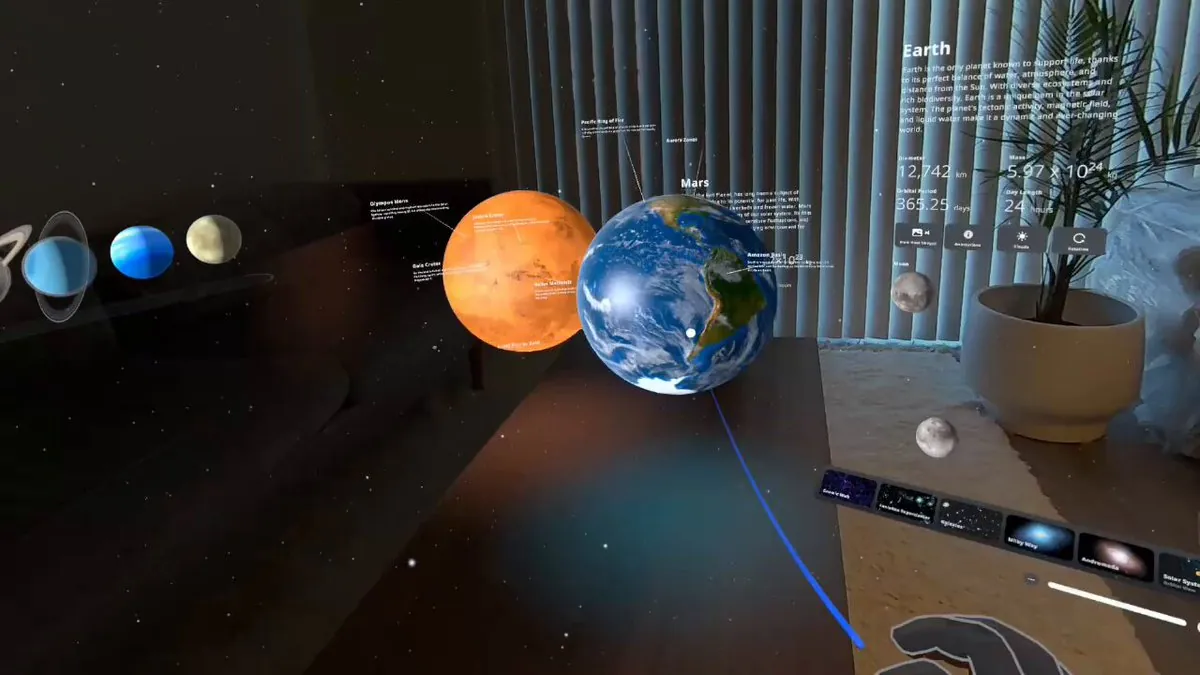
Agentic workflows can also add hardware input or SDK features to a game that is already underway. X user @Dilmerv used an agentic workflow to add controller support to an existing hand-tracking Unity project with a single prompt, though the author noted that further work was still required to finish integrating every interaction. Working on an extended reality project named Cosmic XR, X user @cre8ivepark reported that Claude Code read the architecture and APIs of the Meta MR Utility Kit (MRUK) and integrated real-world surface light reflections using Scene Understanding into the existing Unity project.[9, 10]
Pitfalls with Editor Upgrades, Token Usage, and Shutdowns
Upgrading the Unity Editor while a build is in progress can alter how MCP tools behave. X user @frmdomi shared that after upgrading a project to the Unity 7 alpha mid-build against the agent's recommendation, Unity MCP exposed 91 tools and allowed Claude Code to drive the open Editor autonomously, whereas on Unity 6 the MCP connection had not worked when Claude Code ran on its own. When you plan an Editor version change, the Unity Upgrade manual advises following the upgrade guides in sequential release order, checking the URP or HDRP upgrade guides for render pipeline changes, and running the API updater to identify and update obsolete code in scripts and assemblies.[1, 19]
High tool-call frequency, engine complexity, and server lifecycle rules can also cause issues. X user @TheClubVixen warned that heavy tool calling in Claude can consume a usage quota in 20 minutes and waste tokens, adding that agent-generated animations take a long time and often fail to come out right. X user @jppltech noted that while prototyping with Claude Code, Unity MCP, and Fable, a developer still needs to understand what is happening inside Unity beyond the basics. In addition, the Claude Code MCP documentation warns that third-party servers fetching external content can introduce prompt injection risks, and notes that local stdio servers must handle shutdown signals within tight timeouts (100 milliseconds after SIGINT and 400 milliseconds after SIGTERM on macOS and Linux, or 300 milliseconds after stdin closes on Windows) if they save state or clean up lock files on exit.[8, 12, 17]
Playable Prototypes and Multi-Platform Results
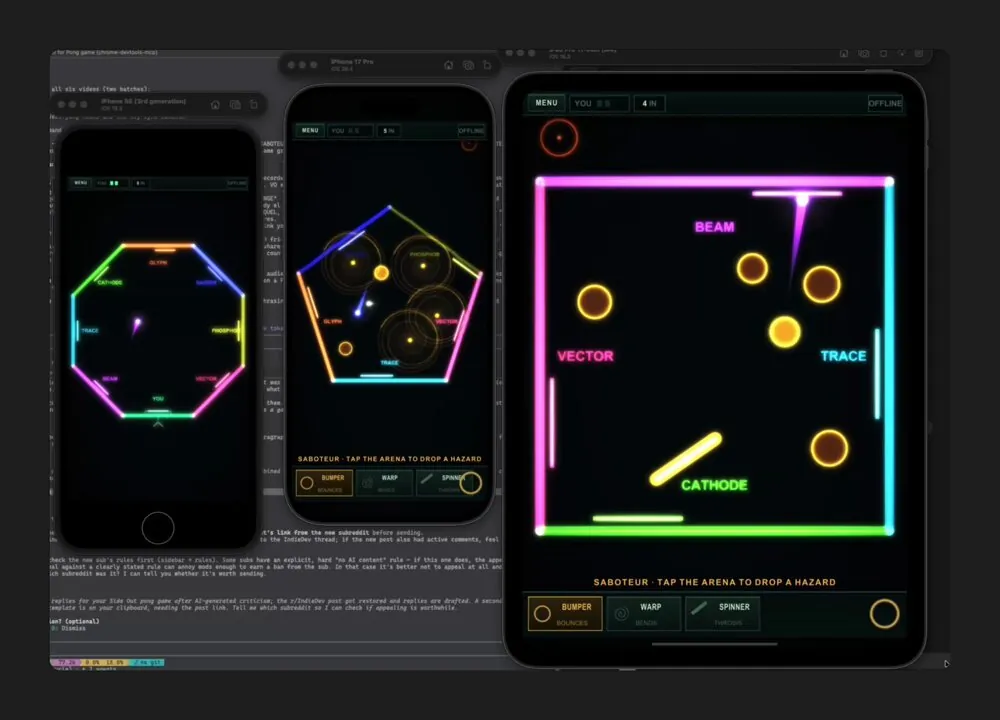
Developers have used agent-driven Unity workflows to ship new gameplay systems, mobile builds, and automated animations. X user @ForkedPush reported that combining Fable 5.2, Blender MCP, and Unity enabled the author to turn primitive shapes into a detailed medieval ship and add a playable sailing feature to a game in two days. Focusing on mobile platform coverage, X user @eric_khun shared that while building the mobile game Side Out for the #shipaton competition, the team used Claude with Unity MCP to adapt the game concept to native mobile and test across iOS platforms. For character animation, X user @AIiswonder reported linking Claude Code to Unity via MCP and leaving it to run on a request for a dance video featuring a character named Alice, which the agent set up in the engine before the author passed the motion to MiniMax H3.[7, 11, 13]
Developers' methods are paraphrased from their public posts on X and credited to each author; setup steps follow the official documentation. Indexed 2026-11-20. Interfaces may have changed since; the official documentation takes precedence.
Sources
- @frmdomi · 2026-11-16Xindexed 2026-11-20
- @maimuzzamil · 2026-11-20Xindexed 2026-11-20
- @theeakiraxx · 2026-11-17Xindexed 2026-11-20
- @SongH74041 · 2026-11-18Xindexed 2026-11-20
- @timucinhatipogl · 2026-11-11Xindexed 2026-11-20
- @luccacerf · 2026-11-15Xindexed 2026-11-20
- @ForkedPush · 2026-11-19Xindexed 2026-11-20
- @TheClubVixen · 2026-09-27Xindexed 2026-11-20
- @Dilmerv · 2026-07-22Xindexed 2026-11-20
- @cre8ivepark · 2026-07-08Xindexed 2026-11-20
- @eric_khun · 2026-08-15Xindexed 2026-11-20
- @jppltech · 2026-07-20Xindexed 2026-11-20
- @AIiswonder · 2026-08-09Xindexed 2026-11-20
- @SunnyVStudio · 2026-04-08Xindexed 2026-11-20
- @Youssofal_ · 2026-05-30Xindexed 2026-11-20
- @xiaojianjian567 · 2026-06-11Xindexed 2026-11-20
- code.claude.com/docs/en/mcpindexed 2026-11-20
- docs.unity3d.com/Manual/CommandLineArguments.htmlindexed 2026-11-20
- docs.unity3d.com/Manual/UpgradeGuides.htmlindexed 2026-11-20